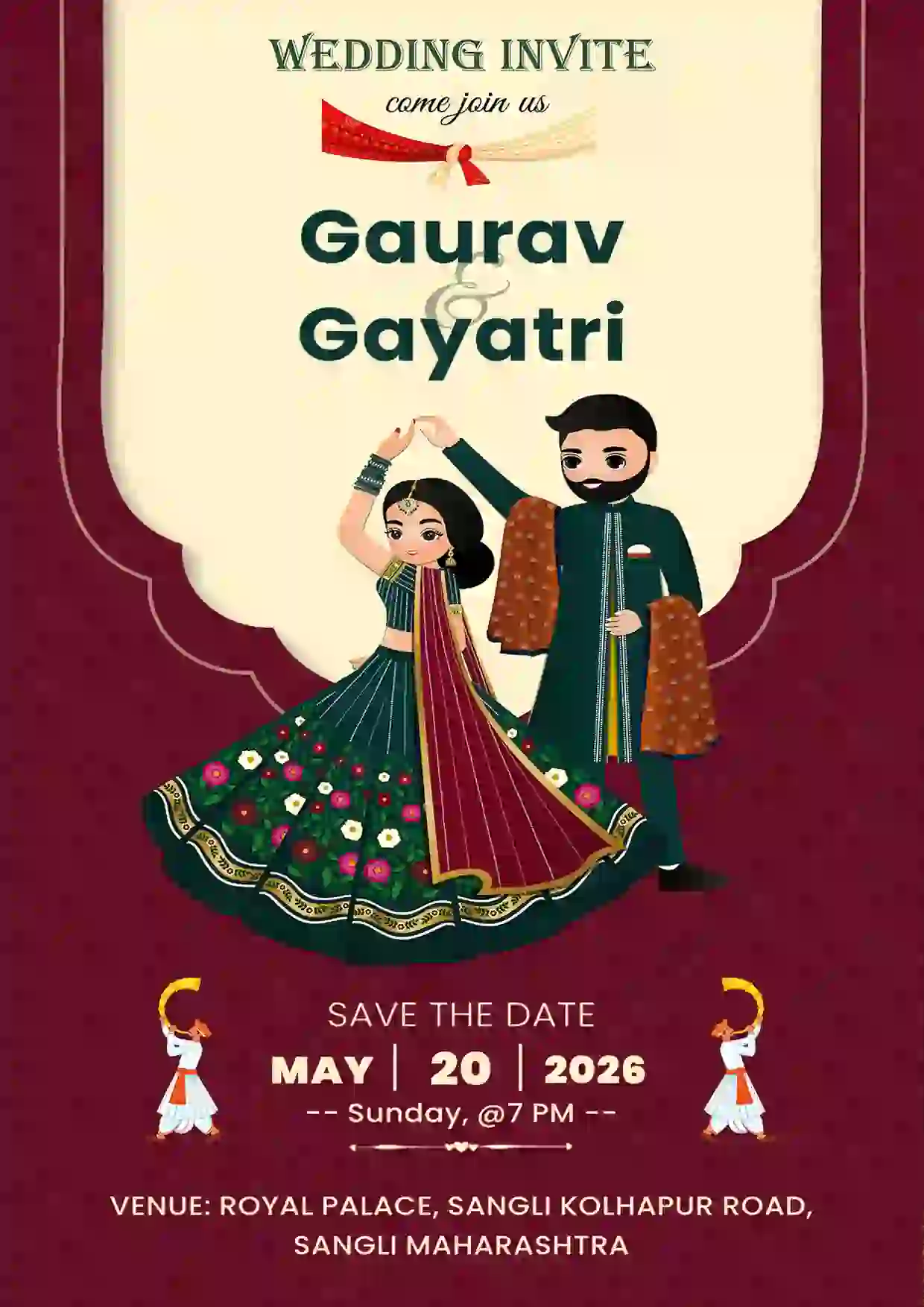
Trending Save The Date Card
Explore the best Save The Date templates for weddings. Customize online, download instantly, and invite your guests in style.
Create beautiful Save the Date invitation cards online and let your friends and family know about your special day in advance. Choose from elegant, modern, traditional, and creative Save the Date invitation templates, customize the details, and create your invitation in just a few minutes.
Explore the best Save The Date templates for weddings. Customize online, download instantly, and invite your guests in style.
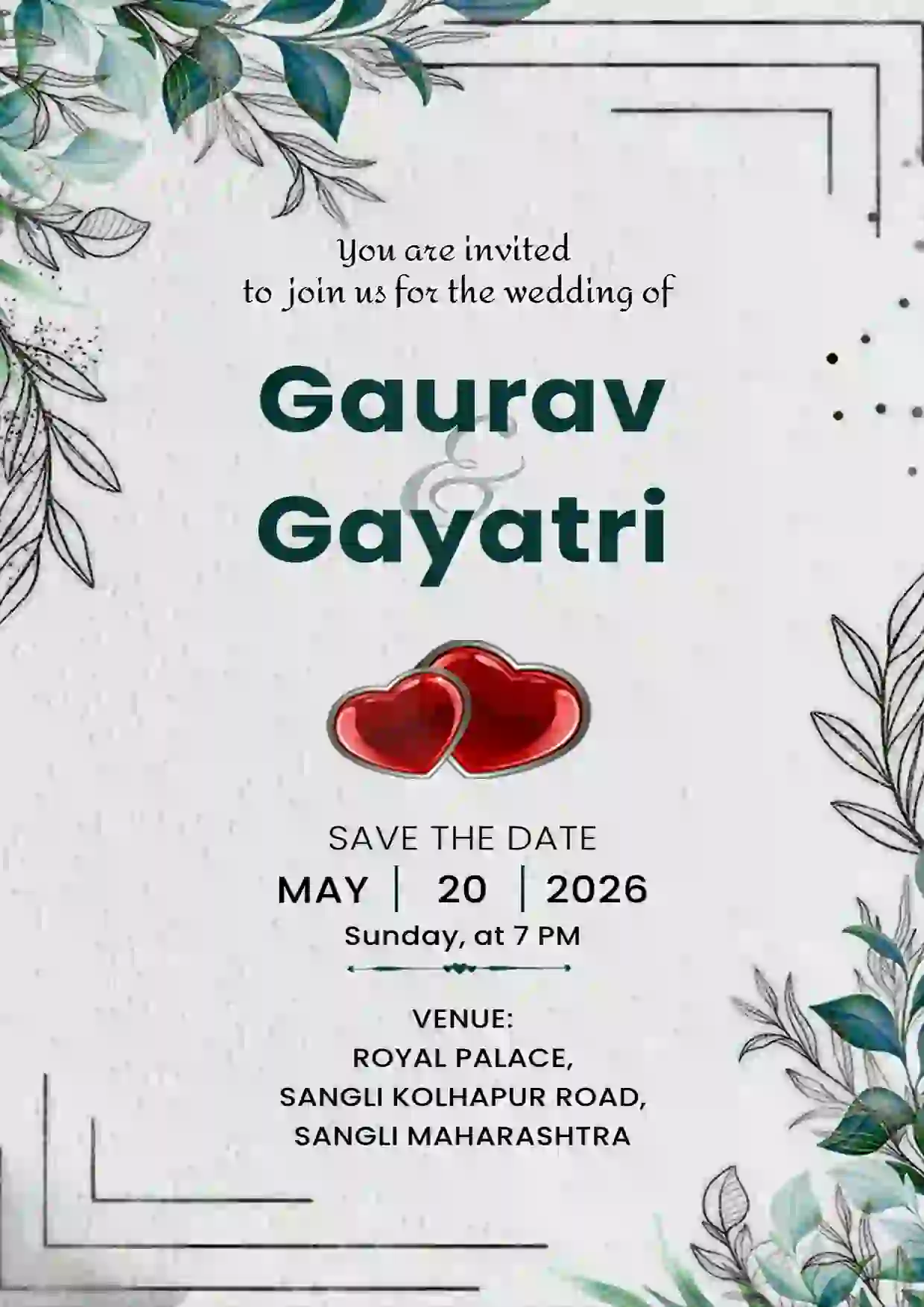
Create stunning Save The Date cards for weddings. Choose from modern & traditional designs, edit online, and download instantly.
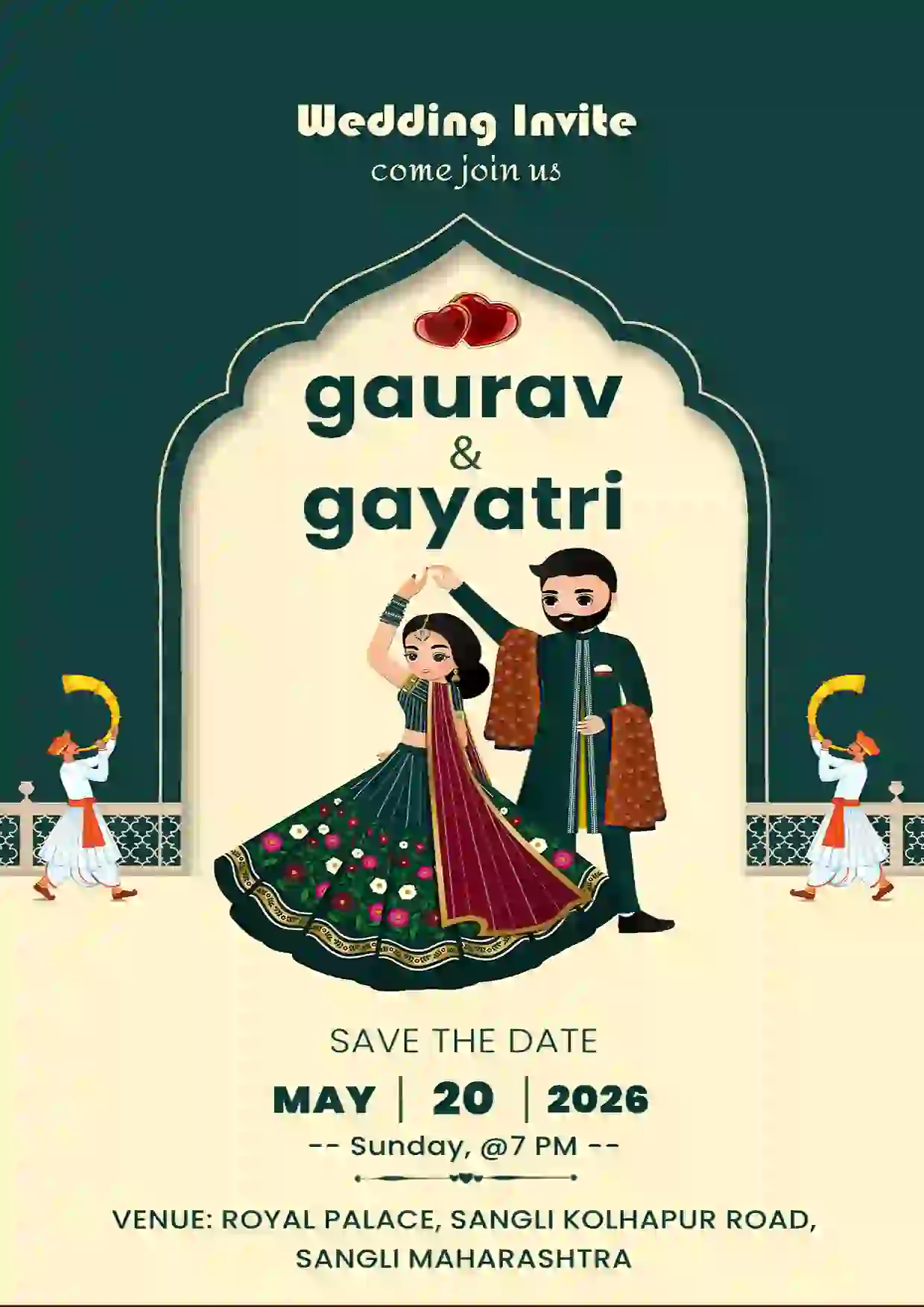
Design your Save The Date card effortlessly. Select a template, customize details, and download or share in just a few clicks.
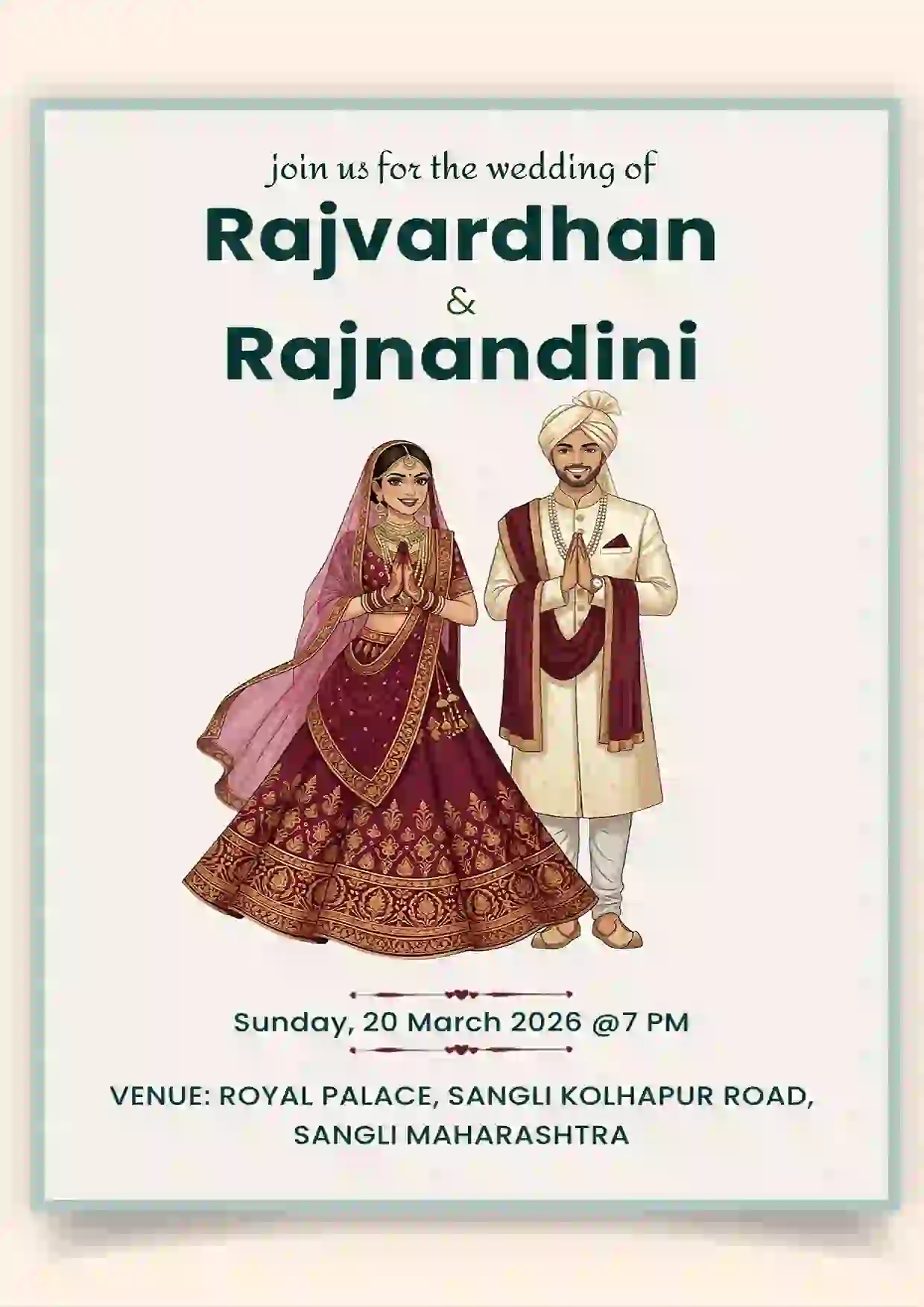
Browse elegant Save The Date invitation templates. Customize your design online and download high quality cards instantly.
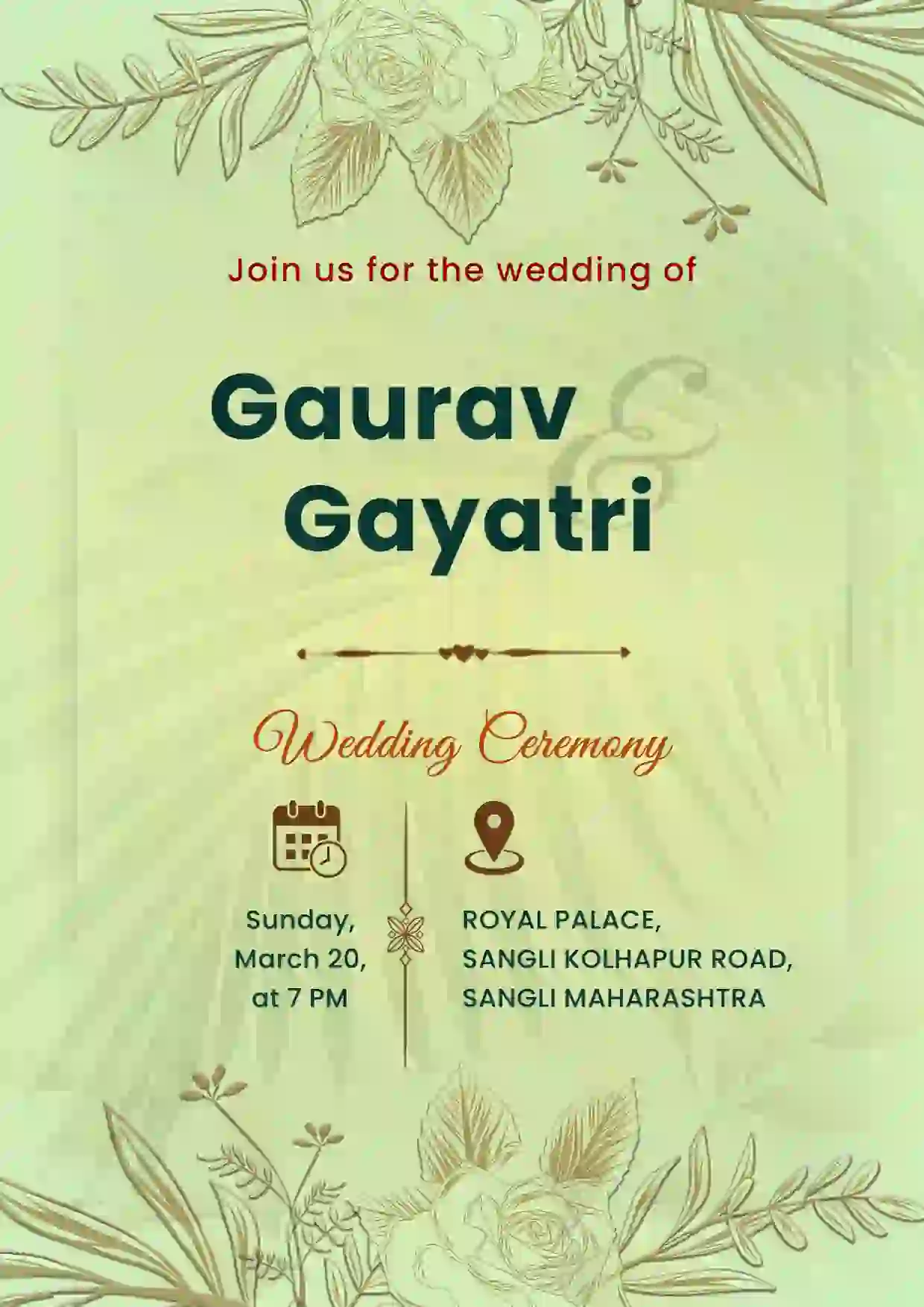
Create stunning Save The Date cards for weddings. Choose from modern & traditional designs, edit online, and download instantly.
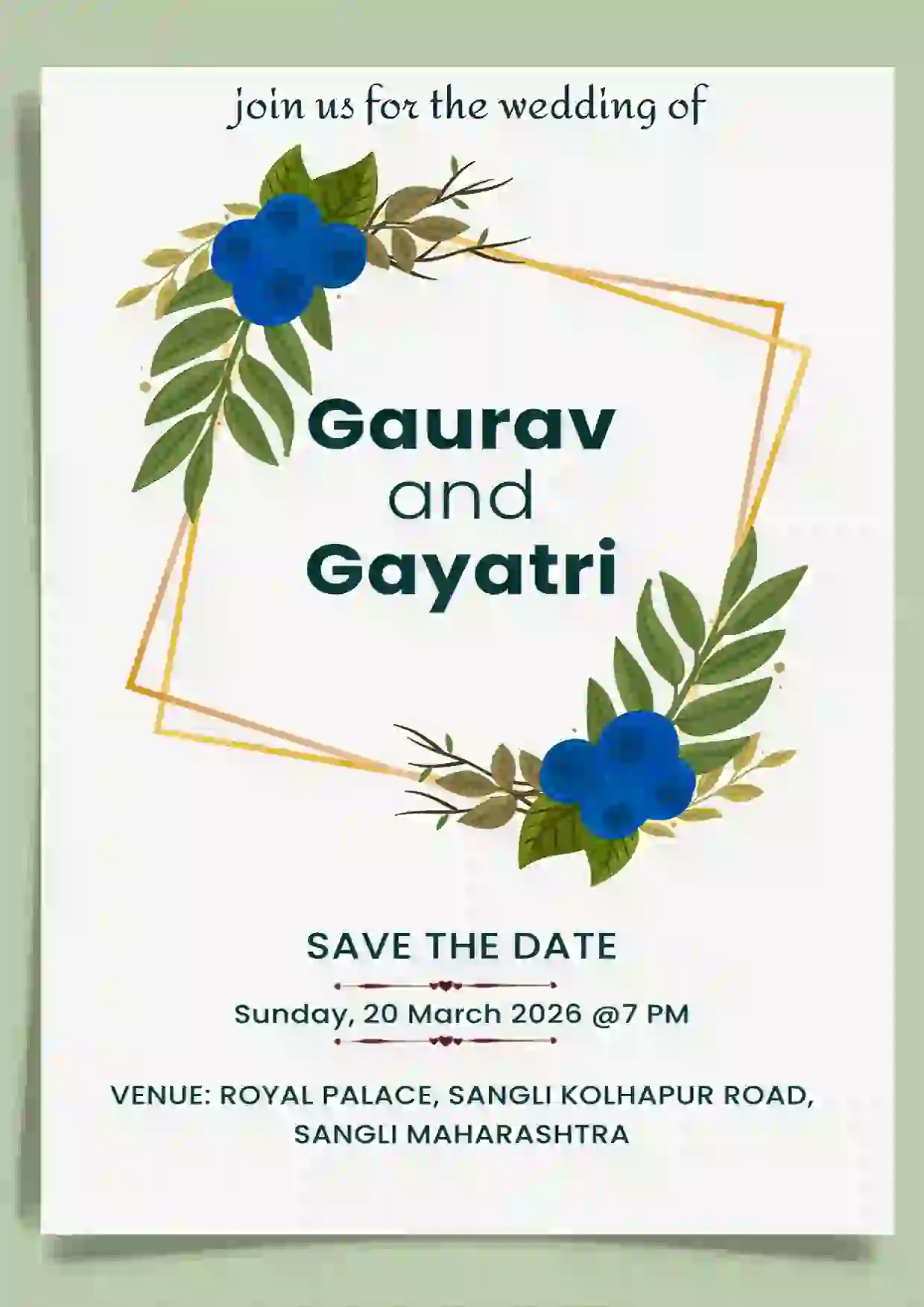
Make personalized Save The Date invitations in minutes. Explore unique templates, edit details, and share on WhatsApp easily.
Planning your wedding or a special celebration? A Save the Date invitation is a simple way to announce your event before sending the formal invitation. Choose a design you love, add your names, event date, venue, and other important details, and create a personalized Save the Date card online.
You can easily customize your invitation to match your celebration and share it digitally with your guests through WhatsApp, social media, or other messaging platforms.
Explore a variety of Save the Date card templates designed for different styles and occasions. Whether you prefer a minimal design, floral theme, traditional look, elegant typography, or a modern invitation, you can find a template that suits your event.
Personalize your chosen template with:
Make your wedding announcement special with a personalized Save the Date wedding invitation. Share your wedding date with loved ones early so they can mark their calendars and plan to be part of your celebration.
Create a beautiful digital Save the Date card and share it with your guests before sending your detailed wedding invitation.
Creating your Save the Date invitation online makes it easy to design and share your announcement without complicated design software.
Creating a Save the Date card is simple:
A Save the Date invitation is an early announcement that tells your guests about an upcoming wedding or event. It usually includes the event date and names of the hosts or couple.
Save the Date cards are generally sent several months before the event. For weddings, sending them well in advance gives guests enough time to save the date and make travel arrangements if necessary.
A Save the Date card usually includes the names of the couple or hosts, the event date, and a short Save the Date message. You can also include the location or a note indicating that a formal invitation will follow.
Yes. You can choose an online template, customize the event information, and create a personalized Save the Date invitation without needing professional design software.
Yes. Save the Date cards can also be used for engagement parties, anniversaries, birthday celebrations, destination events, and other occasions where guests need advance notice.
Yes. Digital Save the Date invitations can be downloaded and shared with guests through WhatsApp, social media, email, and other messaging platforms.